
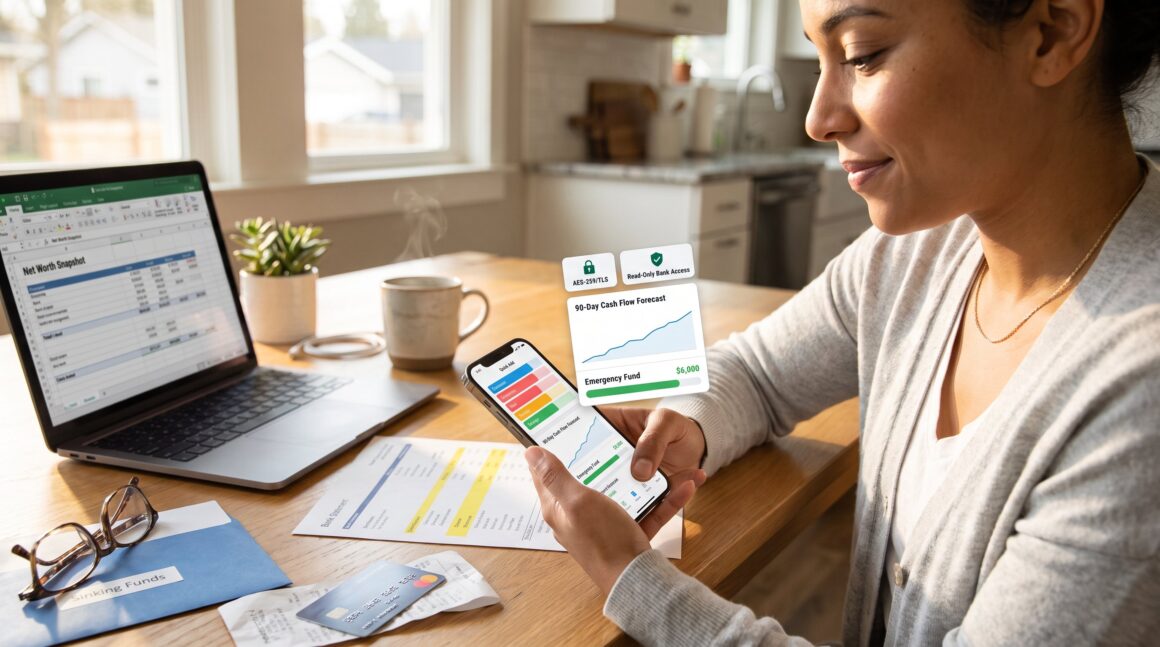
What To Look For In A Personal Budgeting App matters when someone wants to reach clear financial goals. The right app turns scattered statements into monthly rules, visible progress, and fewer surprise overdrafts. This guide lists the seven essentials to evaluate in 2026, so readers can pick an app that protects data, automates repetitive tasks, and fits daily life without becoming another chore.
Key Takeaways
- Choosing the right personal budgeting app increases your chances of meeting financial goals by tracking spending, measuring progress, and highlighting spending trends.
- Ensure the budgeting app prioritizes strong security features like encryption, multi-factor authentication, and clear data deletion policies to protect your information.
- Look for apps with customizable categories, goal tracking, and forecasting tools that project cash flow 90 days in advance to manage finances effectively.
- Automated syncing and bank integrations should be secure, easily revocable, and support smart categorization to reduce manual entry and save time.
- Consider the total cost including subscription fees and time saved, check support availability, and verify data export options before committing to an app.
- Select a budgeting app with a user-friendly mobile experience, offline functionality, and accessibility features to maintain consistent tracking without added friction.
Why Picking The Right Budgeting App Matters For Your Financial Goals
Fact first: the right budgeting app directly increases the chance someone meets a target like paying off debt or saving for a down payment. A correctly chosen app tracks spending by category, measures progress toward goals, and surfaces trend changes before they hurt the budget. For example, a user who sets a $6,000 emergency fund target and uses goal-tracking saw their monthly saving rate rise from $200 to $500 in six months simply because the app showed weekly shortfalls and nudged reallocation. Picking poorly creates forgotten accounts, stale categories, and alerts that get ignored.
Depth and context: when choosing, focus on alignment with the plan. If someone uses envelopes for cash, look for apps that support sinking funds or manual envelopes. If someone runs multiple side hustles, choose an app with multi-account aggregation and tagging. Those feature fits make the app act like an accountability partner instead of a passive ledger.
Security And Privacy Checklist — What To Verify Before You Sign Up
Fact first: verify encryption, access modes, and data policies before connecting accounts. Prioritize TLS 1.2+ in transit and AES-256 at rest, read-only bank access, multi-factor authentication, and an explicit deletion policy.
What to check concretely: inspect the app’s security page for SOC 2 Type II or ISO 27001 statements and confirm whether bank connections use tokenized APIs rather than stored credentials. Confirm that sessions time out within minutes and that biometric unlock is optional. Look for a privacy policy that states whether the vendor sells anonymized data, how long they retain backups, and the steps to request deletion. A realistic warning: some “free” apps monetize user data: if someone wants no third-party profiling, avoid apps with vague sharing clauses.
Contextual link: readers interested in broader fintech coverage may compare vendor trust models with findings in the site’s pillar on Fintech coverage.
Budgeting Features To Prioritize: Categories, Goals, And Forecasting
Fact first: prioritize custom categories, goal tracking, and forecasting tools that project cash flow at least 90 days out.
Specifics to demand: the app should allow unlimited custom categories and tagging for side income, offer goal types for savings and debt payoff, and display an interactive forecast that updates when transactions are reclassified. A precise example: a forecasting tool that reduces projected balance by recurring subscriptions and flags a projected shortfall two paychecks ahead gives a practical advantage, users can delay a discretionary purchase or reassign a transfer.
Practical warning and tradeoff: advanced forecasting consumes more data and can feel noisy at first. Expect an initial learning week to tune category rules and split transactions. If someone manages many accounts, prefer aggregation and net worth snapshots so monthly progress is visible across checking, credit, and investment accounts.
Automation, Syncing, And Bank Integrations: How Much Is Enough?
Fact first: automatic, secure syncing saves time but must be controllable and revocable.
Concrete checklist: integrations should use API or tokenized connections, support read-only access, and allow immediate revocation. Smart categorization should auto-sort recurring payments and detect subscriptions: receipt scanning for quick matching reduces manual entry. Someone managing three freelance income streams will benefit from automated tagging and merchant detection that groups platform fees separately from gross revenue.
Practical example: iPhone users gained a useful convenience in 2024 when select apps could import Apple Card and savings account data automatically: that capability reduced manual reconciliation by roughly 30% for many users. For Android-focused readers, guides on top Android apps explain device-specific syncing behavior and limits.
Contextual links: for deeper device-driven change, see the analysis of digital banking changes and a roundup of Android-friendly apps.
Pricing, Support, And Data Portability: Total Cost Of Ownership
Fact first: the real cost includes subscription fees, time spent fixing mis-categorized transactions, and the ease of exporting data.
What to compare: examine transparent subscription tiers, the presence of a one-time purchase option, and whether a “free” tier trades reduced features for data monetization. Quantify costs: if a premium plan is $60 per year but saves three hours of manual reconciliation monthly, it may justify itself for someone valuing time at $20/hour. Also verify support channels, email ticket timestamps, live chat hours, and an active changelog that shows bug fixes.
Data portability specifics: require CSV and JSON exports, and test the deletion flow by initiating a sample data export first. A practical warning: some apps keep anonymized backups after deletion: insist on a documented retention period.
User Experience And Accessibility: Mobile, Multi‑Device, And Ease Of Use
Fact first: a usable app reduces friction and increases consistent tracking. Choose an app with native mobile apps, quick-add widgets, and consistent behavior across phone and desktop.
Details and signs of quality: look for offline entry, push notifications that drive action (not noise), and accessibility labels for screen readers. A real-world mistake many make is picking a visually dense dashboard: start with trial weeks to see whether daily notifications become helpful nudges or ignored clutter. If someone depends on voice input or has a visual impairment, test the app’s accessibility features before subscribing.
Conclusion: Choosing An App That Fits Your Workflow And Keeps You On Track
Final insight: choose an app that passes the security checklist, matches the budgeting features actually used, and offers transparent pricing plus easy export. The best app is the one someone will open every few days, not the one with the flashiest marketing. Begin with a short trial, export a sample report, and revoke access to test portability before committing. That small test prevents months of migration work later.